Chrome toolbar
Install AuctionHunter manually
Follow these steps to load the toolbar from a ZIP file in Google Chrome on your computer.
Download toolbar ZIP
1
Download and extract
Download the ZIP above and extract it to a folder you will keep on your computer. The extension files, including manifest.json, must be inside the folder you select later.
2
Open Chrome extensions
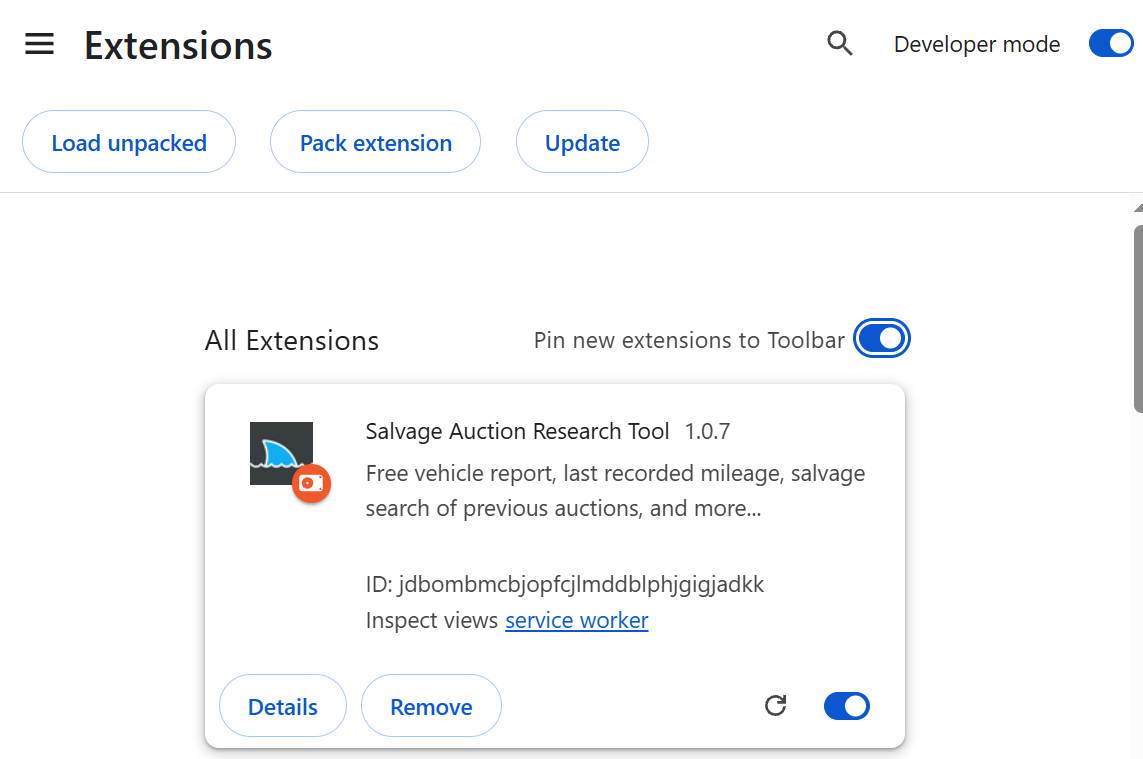
In a new Chrome tab, enter chrome://extensions in the address bar. Turn on Developer mode in the top right corner.
3
Load the folder
Click Load unpacked and select the extracted folder containing manifest.json. Select the folder itself, not the ZIP file.
4
Keep the toolbar handy
After AuctionHunter appears in your extensions list, open the puzzle icon in Chrome's toolbar and pin the extension for quick access. Keep the extracted folder in place while using it.